OneFileCMS
Sep 26 2009
My latest project is called OneFileCMS and, as its name suggests, is a one file content management system. Oh, my!
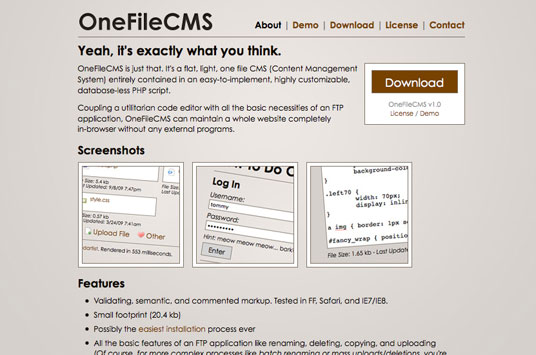
From the About page:
OneFileCMS is just that. It’s a flat, light, one file CMS (Content Management System) entirely contained in an easy-to-implement, highly customizable, database-less PHP script.
So what does that mean?
Let’s say you’ve got an old-fashioned HTML site. Traditionally, you’d make changes by editing your files in a code editor and uploading them with an FTP application. With my OneFileCMS (and other software like it), the two normally external programs are essentially put on the server; changing your site requires nothing beyond your favorite internet browser.
And installing OneFileCMS is as easy as downloading a zipped PHP file, editing it to have a unique username and password, and uploading it the root of your site. From then on, you (or your clients) can administer the entire site by accessing the newly uploaded file in your browser. No database or other files necessary.
Screenshots
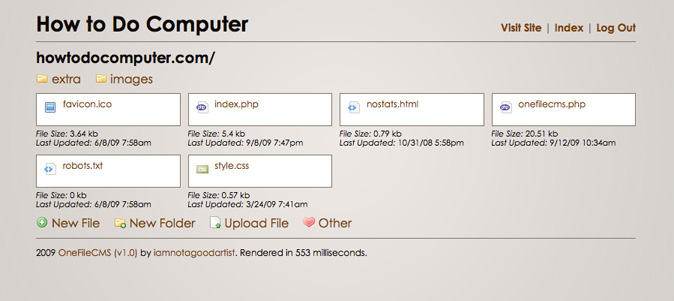
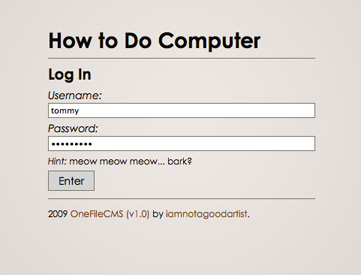
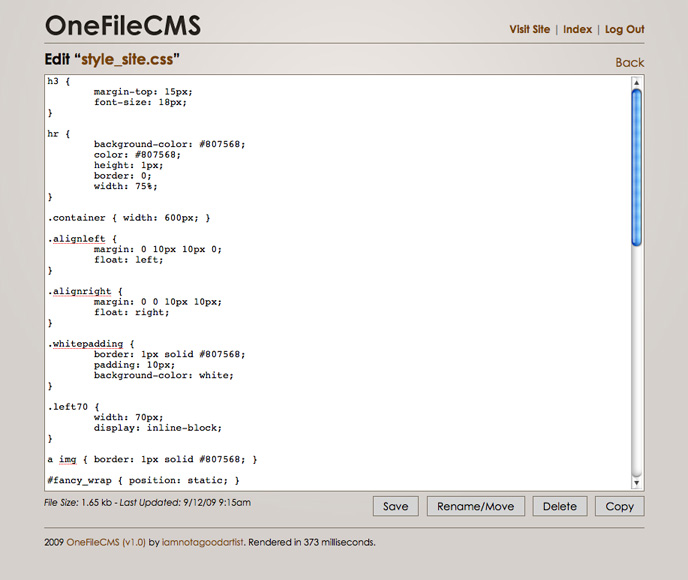
Left to right: a branded index listing, a branded login page, and the default (unbranded) edit page.
Licensing and Credit
The project is currently free for personal use with a $20 suggested donation for commercial use, covered by a Creative Commons “Attribution Non-Commercial ShareAlike” License. I don’t expect to make much from it, but if I could come even close to breaking even with my web hosting, I’ll call it a success.
Written in PHP, XHTML, CSS, and jQuery. Icons by famfamfam.
So… What Are You Waiting For?
I’ve put a lot of work into this project, and I’m really happy with it. There’re tons more features and it’ll evolve as people give me input, so just go ahead and click one or both of these here links…
Site: http://onefilecms.com/
Demo: http://php.opensourcecms.com/scripts/details.php?scriptid=340 (Hosted by OpenSourceCMS)
Go! Go! Hold on… Go!
[edit] 9-30-09: OneFileCMS has been featured on WebResourcesDept: http://www.webresourcesdepot.com/tiny-content-management-system-onefilecms/


September 30th, 2009 at 7:52 am
it looks a nice system but it would be great if you could integrate an editor, CKeditor for example
it looks easy to manage, but people who need easy-to-manage-CMS lack of HTML-knowledge for sure ;=)
And it lacks multi-language-support… or at least translation files
The link to “Admin” is wrong, works only when installed in the root
September 30th, 2009 at 10:47 am
@ Connie
WYSWIWYG editors have been requested before but probably won’t come standard, as they’d bloat the system out and/or make it more than one file. Plus, if you’re working in PHP or non-HTML code, they’d be more hindrance than anything else. Syntax highlighting is more likely to come in future versions.
Multi-language support, while important, isn’t something I can dedicate myself to at the moment. It’s still only Version 1, you know?
Yes, the admin link is a bit funky on OpenSourceCMS’ demo. The script is meant and designed to be installed in a site’s root, and their system doesn’t work that way. Thus, the funkiness.
October 1st, 2009 at 2:11 pm
Hello!
Nice idea, but it doesn`t work for me :-(
I´ve uploaded the php-file (renamed to admin.php) in my root directory and set everything to 777, but if I want to edit a file I always just become the message disabled in the text area field..?
Do someone have the same problem or knew a solution?
Log in and uploading new files works!!
October 1st, 2009 at 7:11 pm
@ Mark
Looks like that bug has affected a handful of users. Stay tuned for the next version of OneFileCMS, which ought to fix it.Make sure you’re running PHP5 and not PHP4, which isn’t supported by OneFileCMS.
January 5th, 2010 at 7:02 pm
Apparently, my windows-based host has something funky in their path config – I am gettting the wrong path for files. Can I change the path in a var somewhere?
January 16th, 2010 at 2:03 pm
Hello – OneFileCMS is exactly what I’m looking for. I can’t get it to work though.
If I try to create a file – it errors out with “cant open file”. If I try to edit a file, it says it completed, but the changes never show.
I’ve tried with the file owner as root and 1000, I’ve tried with the file 777, and below – and I’ve even tried with ALL files in doc root as 777.
If I turn on error reporting, here’s an errors I get:
Warning: fopen(asdf.html) [function.fopen]: failed to open stream: Permission denied in /var/www/html/edit.php on line 110 can’t open file
I searched around online to find an answer, but didn’t find anything… :(
I really would like to get this working – it’s exactly what I need.. Thanks for any help!
January 20th, 2010 at 10:57 am
@ Jer
Not sure, sorry. Ask your host.
@ everyone
Hey! I can help you troubleshoot your problems better if you use the contact form on the OneFileCMS site directly.
http://onefilecms.com/contact.php
Thanks!